Premium Digital Solution

WtsMenu User-friendly Ordering
 WhatsApp Supercharged!

Transform your restaurant with our revolutionary WhatsApp ordering system. Create stunning digital menus, share with customers, and receive orders instantly through the world's most popular messaging platform.

No App Required Instant Setup 24/7 Support

Experience the Magic

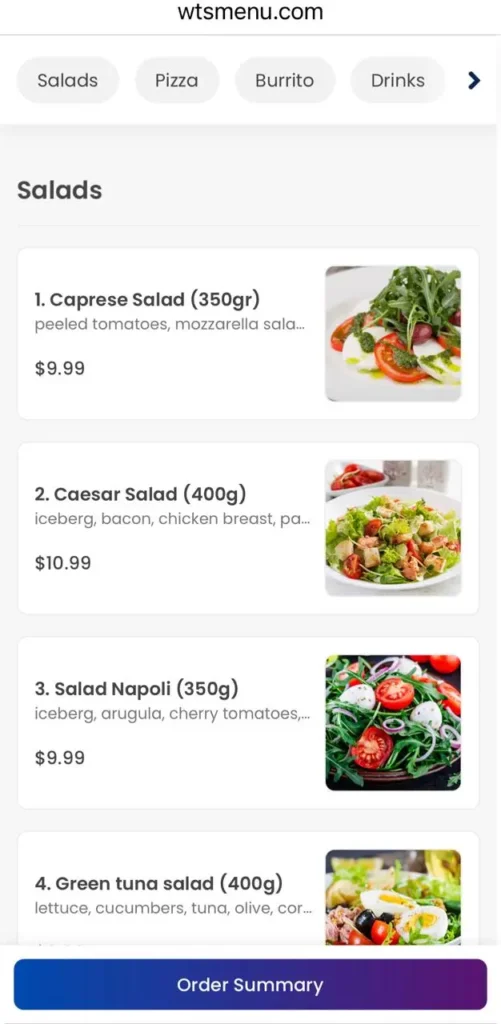
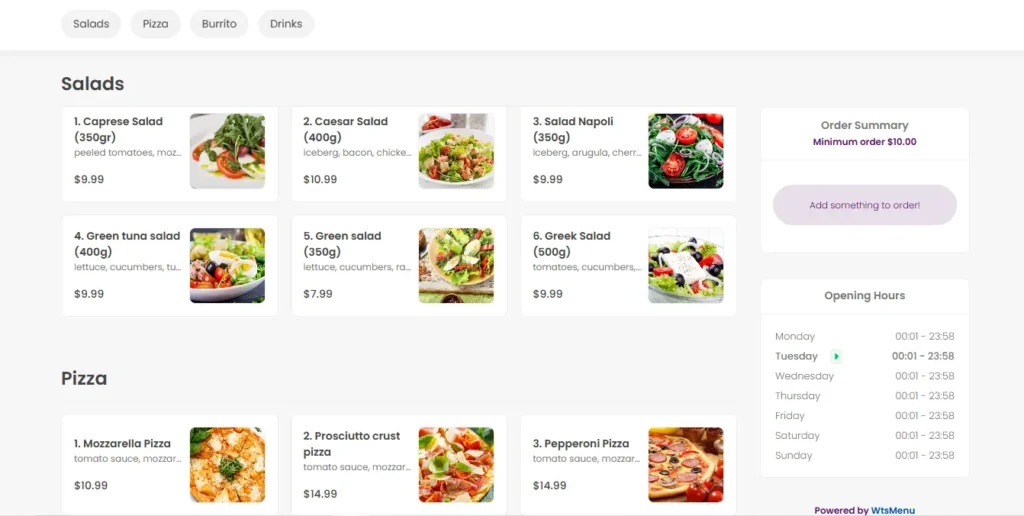
See how easy it is for your customers to browse your menu and place orders. No downloads, no complications — just scan and order!

Try our demo below (see how it actually delivers to you!)

Scan QR Code
Scan Browse Order
Mobile Optimized

Perfect experience on any smartphone browser

Lightning Fast

Instant loading and smooth navigation

WhatsApp Integration

Orders sent directly via WhatsApp

Secure & Reliable

Safe ordering with instant confirmations
wtsmenu-demo-image

Simple, Affordable Pricing

Everything you need to revolutionize your restaurant's ordering system

Most Popular
25 OMR or $65/year

Complete solution for restaurants of any size

  • Advanced Menu Builder
  • Custom QR Code Generator
  • Unlimited Menu Items
  • Unlimited Categories
  • Restaurant Location Setup
  • 24/7 Priority Support
  • Setup Assistance
Get Started Now

Get Started in Minutes

Follow our simple 4-step process to launch your digital menu

01
Secure Payment
Use your debit/credit card and Complete payment securely via Paymob
Pay Now
02
Contact Support
Message our team via WhatsApp with your email and preferred plan. We'll guide you through activation.
Chat with us
03
Build Your Menu
After payment is confirmed, we'll send you a link with account.
Log in & start building
04
Launch Menu
Your digital menu is ready! publish it and start receiving orders via WhatsApp.
Publish it

Ready to Transform Your Restaurant?

Join thousands of successful restaurants worldwide who have revolutionized their ordering process with WtsMenu. Start your digital transformation today!

Secure Platform 24/7 Support Easy Setup

Activate WtsMenu

Enter your details, then pay securely to activate your account.

You’ll be redirected to payment, then automatically sent to WhatsApp to request activation.

Activate WtsMenu
Enter details, pay securely, then WhatsApp opens for activation.